
Open natively. Send to Truss.
A Windows app that opens files in Excel and Adobe, and lets you send any document straight into Truss with a right-click.
Book a Demo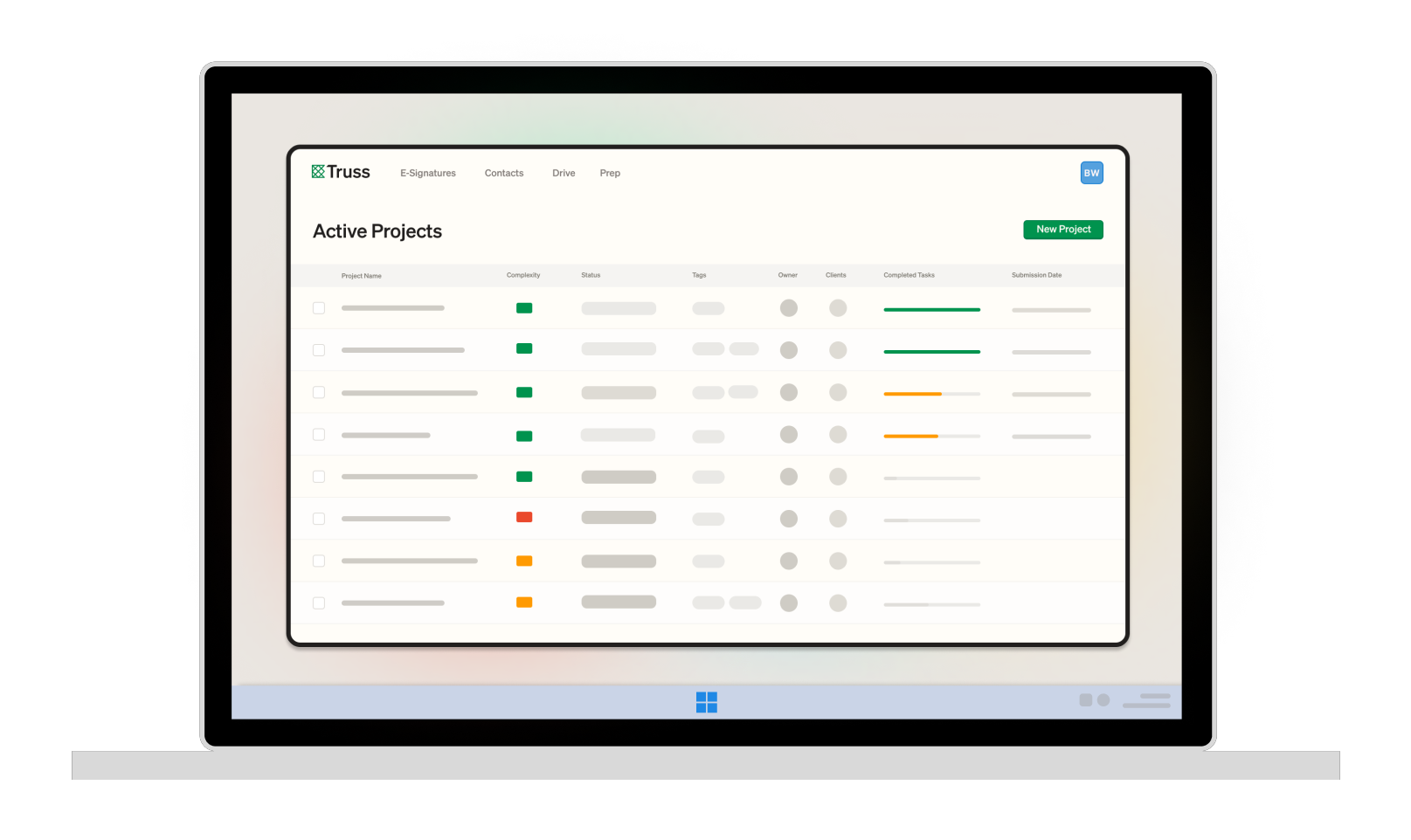
A Windows app that opens files in Excel and Adobe, and lets you send any document straight into Truss with a right-click.
Book a Demo
The Truss desktop app connects your local tools to your cloud workflow. Open any file natively in Excel or Adobe with one click, and right-click any document to send it directly to delivery.
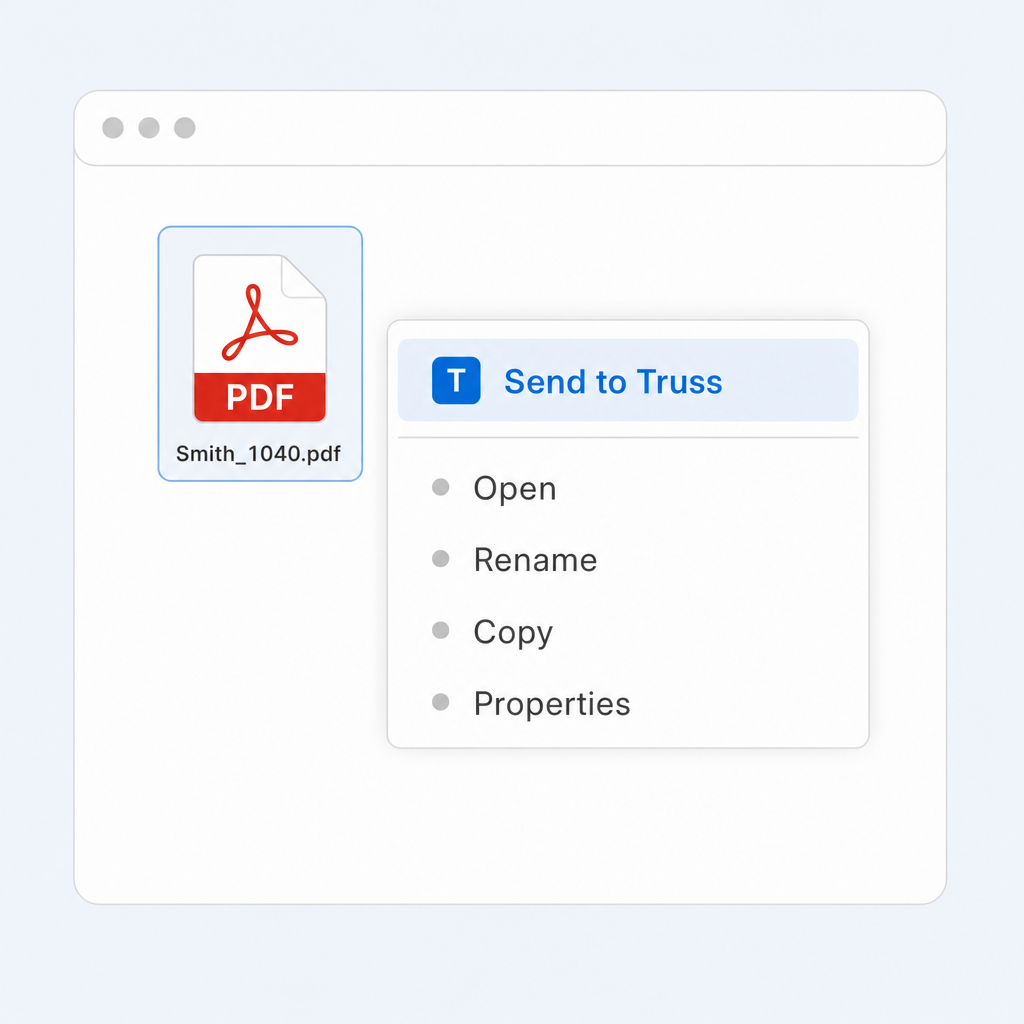
Install the Truss desktop app and every file gets a "Send to Truss" option in the Windows right-click menu. Print a return from your tax software, a statement from a brokerage site, or a PDF from email to your desktop, then right-click and send it straight to Truss — no downloading, renaming, or re-uploading. The file lands in your Truss inbox seconds later.
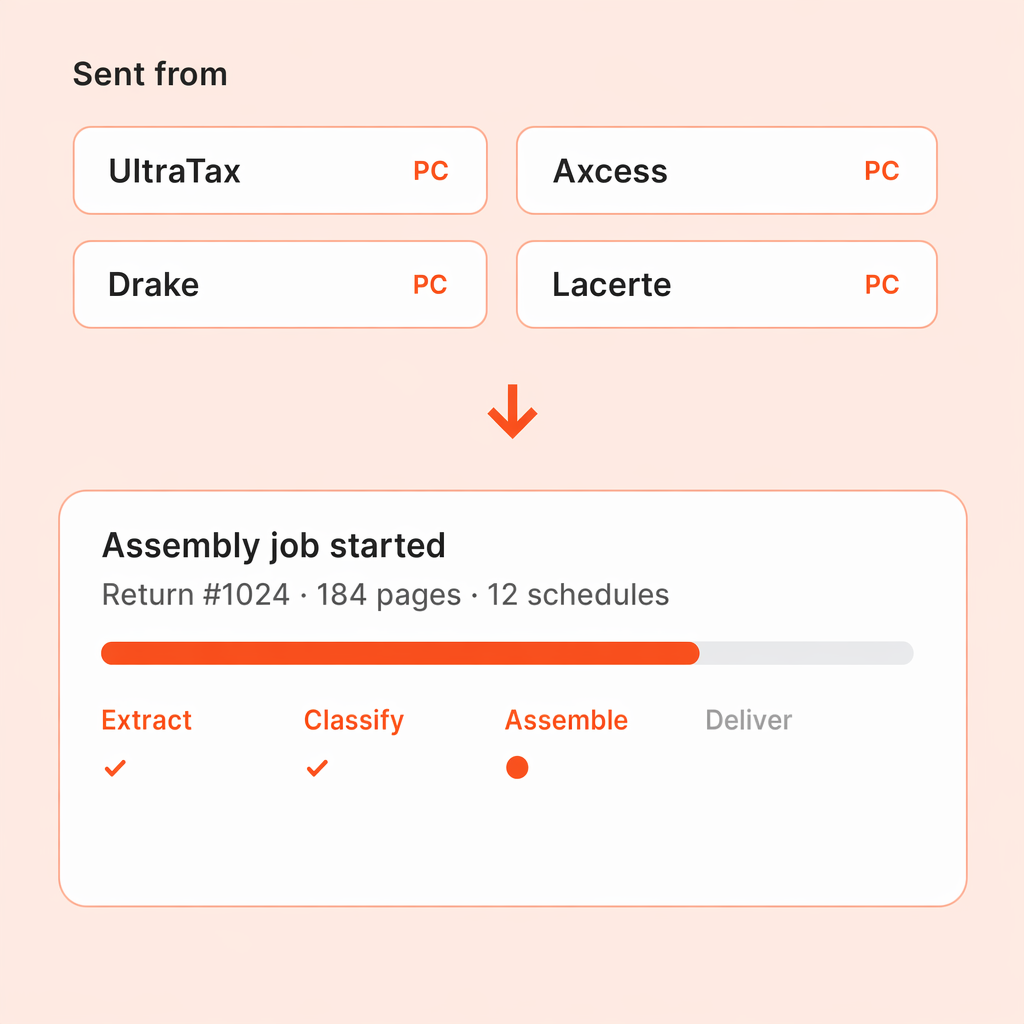
Send a completed return from UltraTax, Axcess, Lacerte, Drake, ProSeries, ProConnect, ProSystem fx, or ATX and Truss kicks off the assembly job immediately — extracting outlines, splitting K-1s, building client packets. You never touch a file picker.
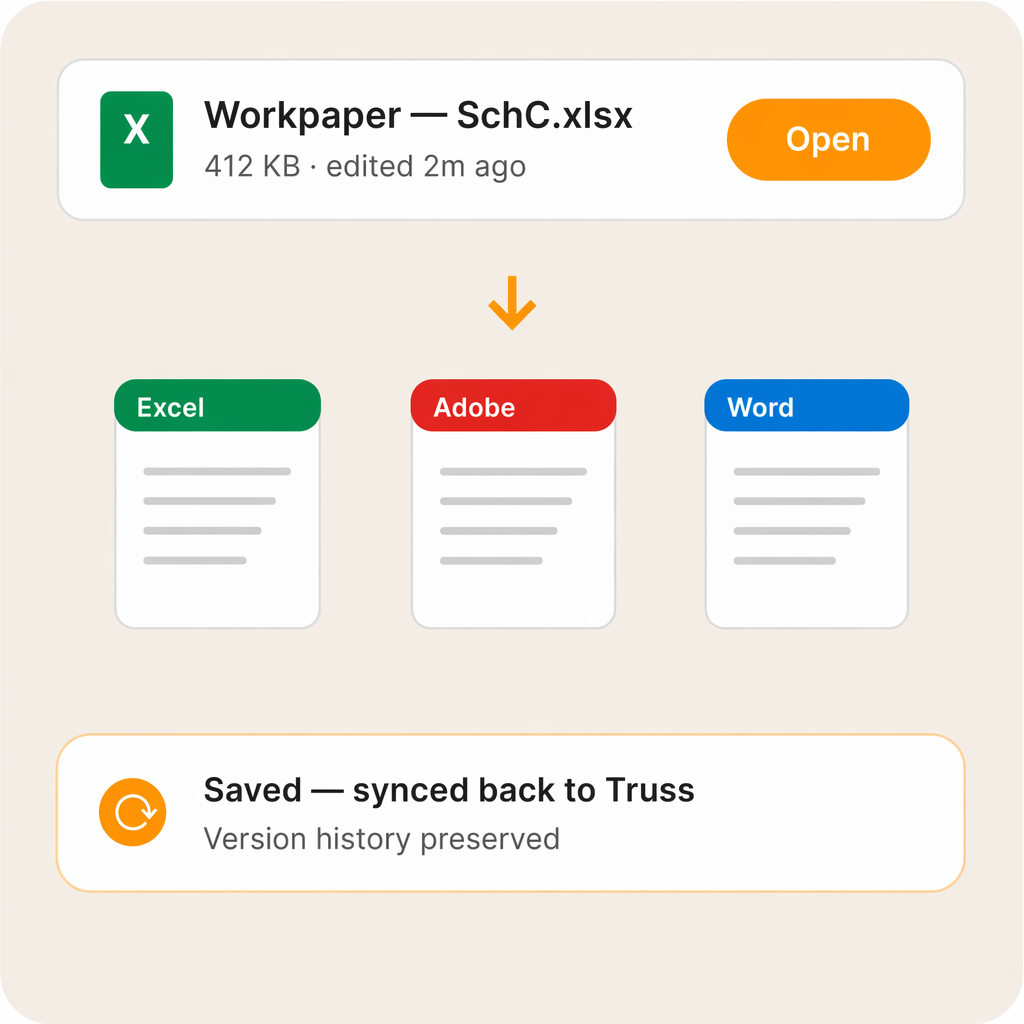
Click a file in Truss and it opens natively in Excel, Adobe, or whatever application is associated with that file type. Edit, save, and changes sync back to Truss.
"It’s simple for clients to use and solved multiple issues for us, allowing us to reduce the number of softwares we were using."

Kristy Austin, Director of Operations
Chain Jones & Sudik PLLC
The Truss desktop app is available for Windows. It installs in minutes and updates automatically so your team is always running the latest version.
Both work. The web version gives you full access from any browser. The desktop app adds native speed, offline capability, and better performance with large files. Many firms use both depending on the situation.
See for yourself. Fill out the form below to schedule some time with us.