
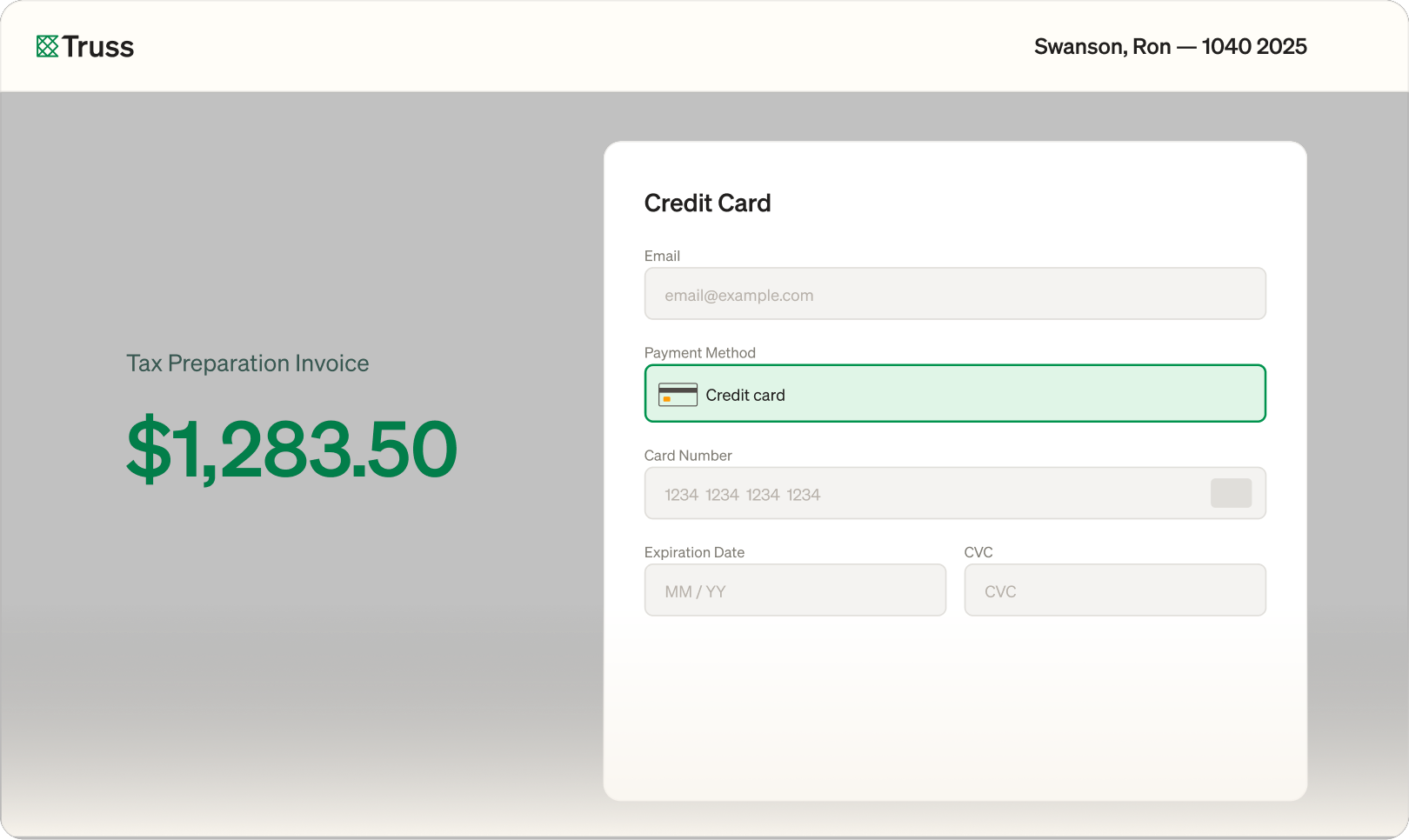
Clients sign and pay in the same sitting. No separate invoicing tool, no chasing checks, no waiting weeks after delivery. Payment is part of the workflow, not an afterthought.
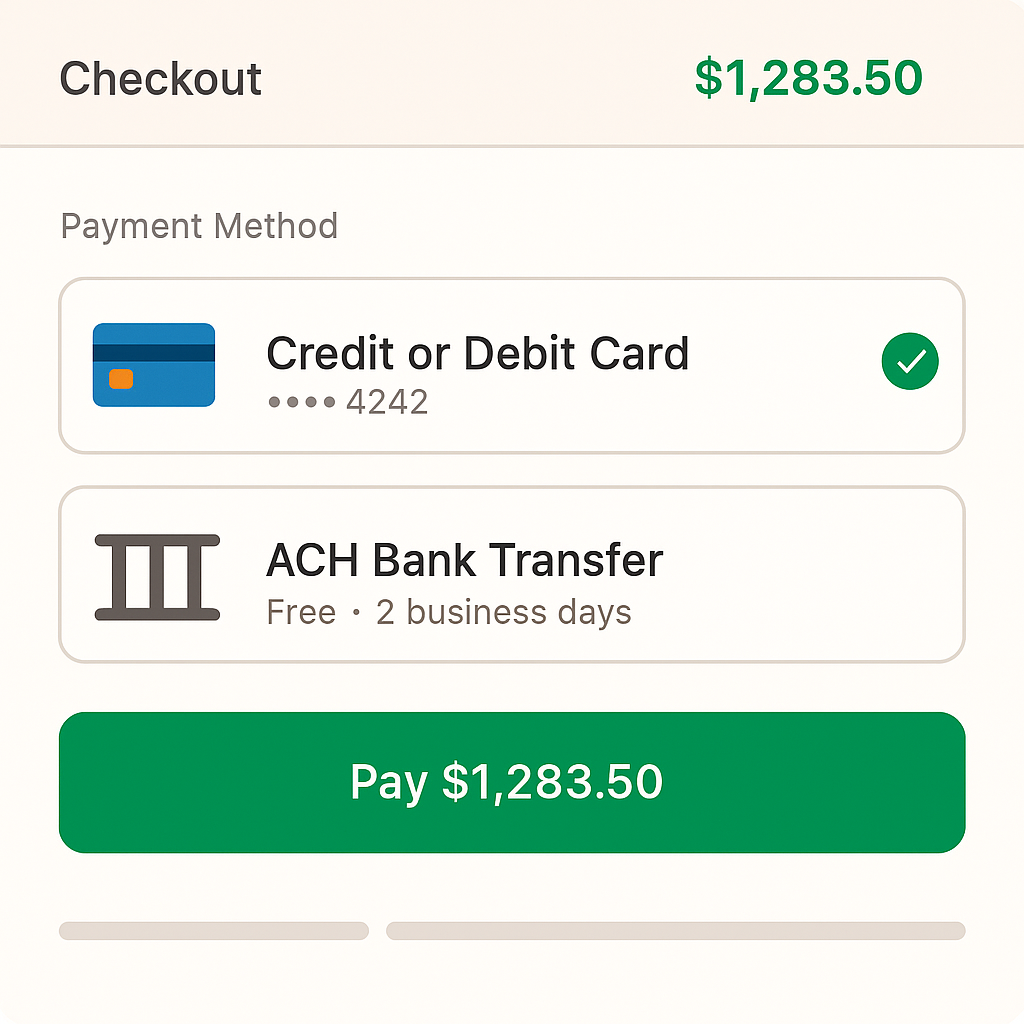
Invoice tasks open an embedded Stripe Checkout that accepts card or ACH with a single magic link — no login, no portal. Truss can absorb or pass through the convenience fee as its own line item so clients see exactly what they're paying for.

Choose a reminder cadence and Truss nudges clients until they pay. Took a check at the front desk? Mark it paid as card, ACH, check, or other and export paid/unpaid to Excel whenever you need it.
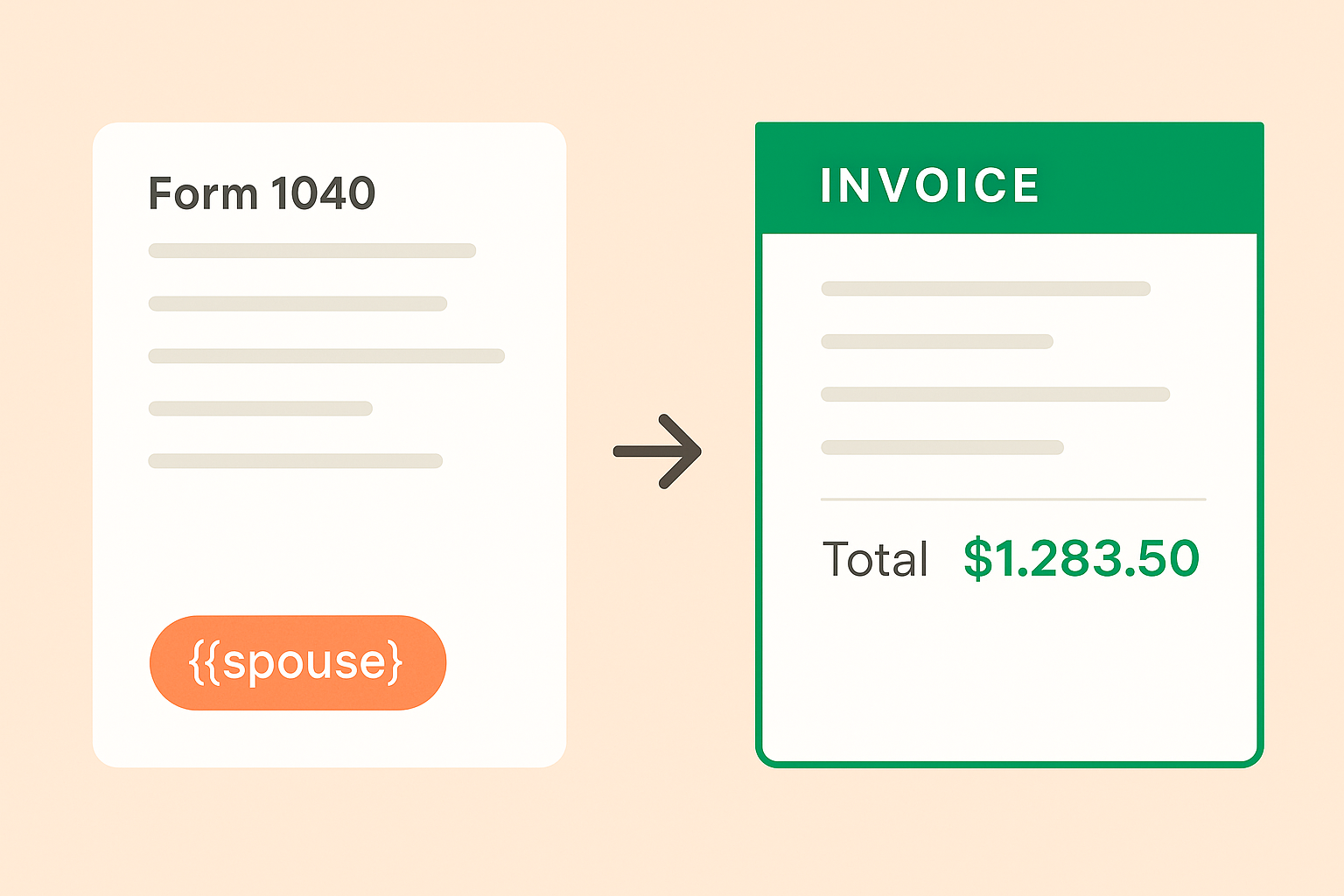
Finishing an assembled return can auto-create the invoice task with your firm's default description — and add a line for any Truss Prep up-charge on the fly. One less thing to remember on the day you deliver.
"Significantly reduced back-and-forth emails with clients; they’ve been a lot more responsive."

Cynthia Bagheri, Partner
MASH Accounting & Consulting LLP
Truss connects directly to Stripe. If you already have an account you can link it in minutes. If not, you can create one during setup. No third-party merchant accounts or gateways required.
Yes. Clients can choose between credit card and ACH bank transfer at checkout. You control which payment methods are available for your firm.
Truss sends automated reminders on a schedule you define. You can also require payment before the client can download their final return documents, giving you control over the collection process.
See for yourself. Fill out the form below to schedule some time with us.