
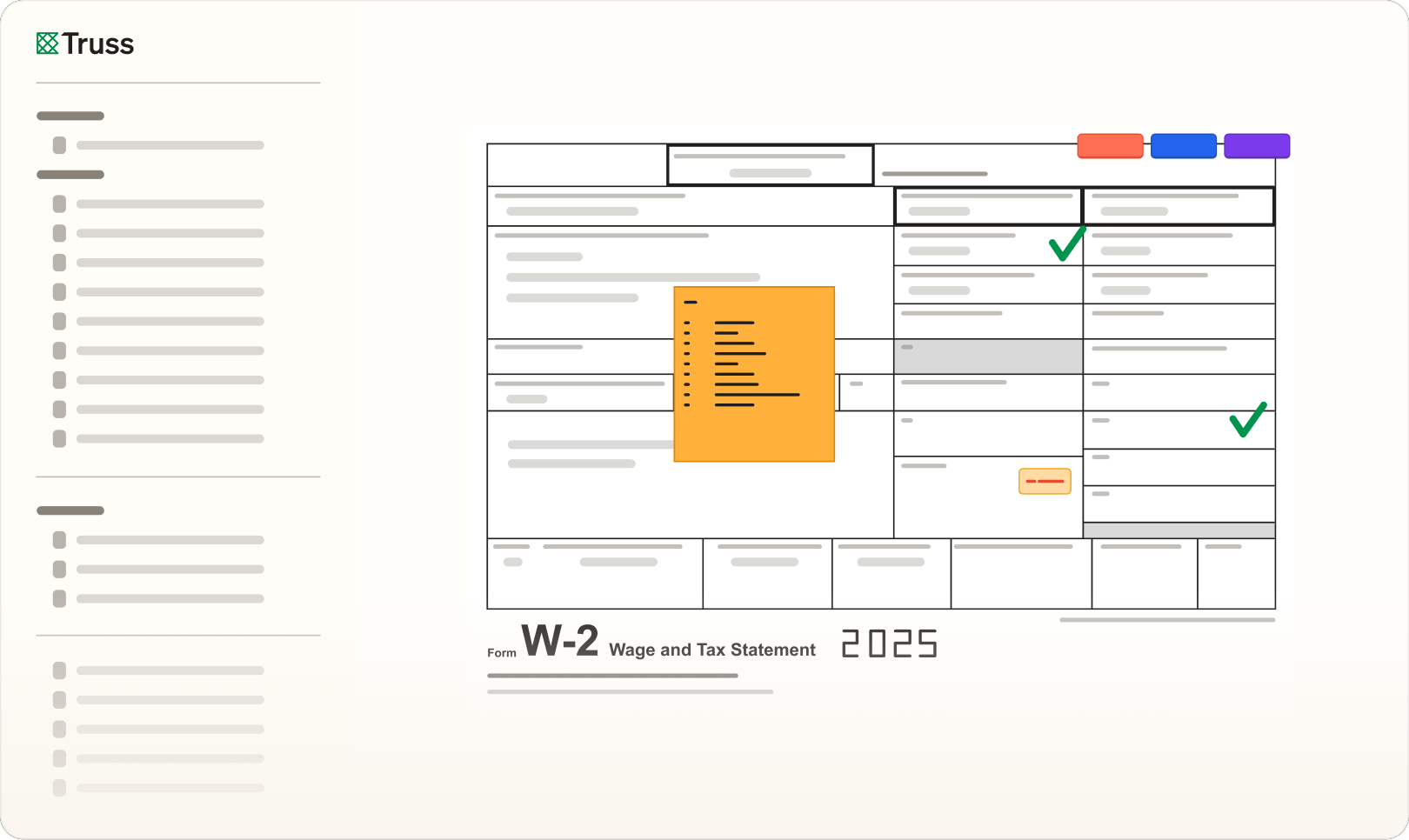
One click creates a combined, bookmarked PDF in return order so review starts immediately. Annotate with tick marks, stamps, and notes while the audit log records who did what and when.
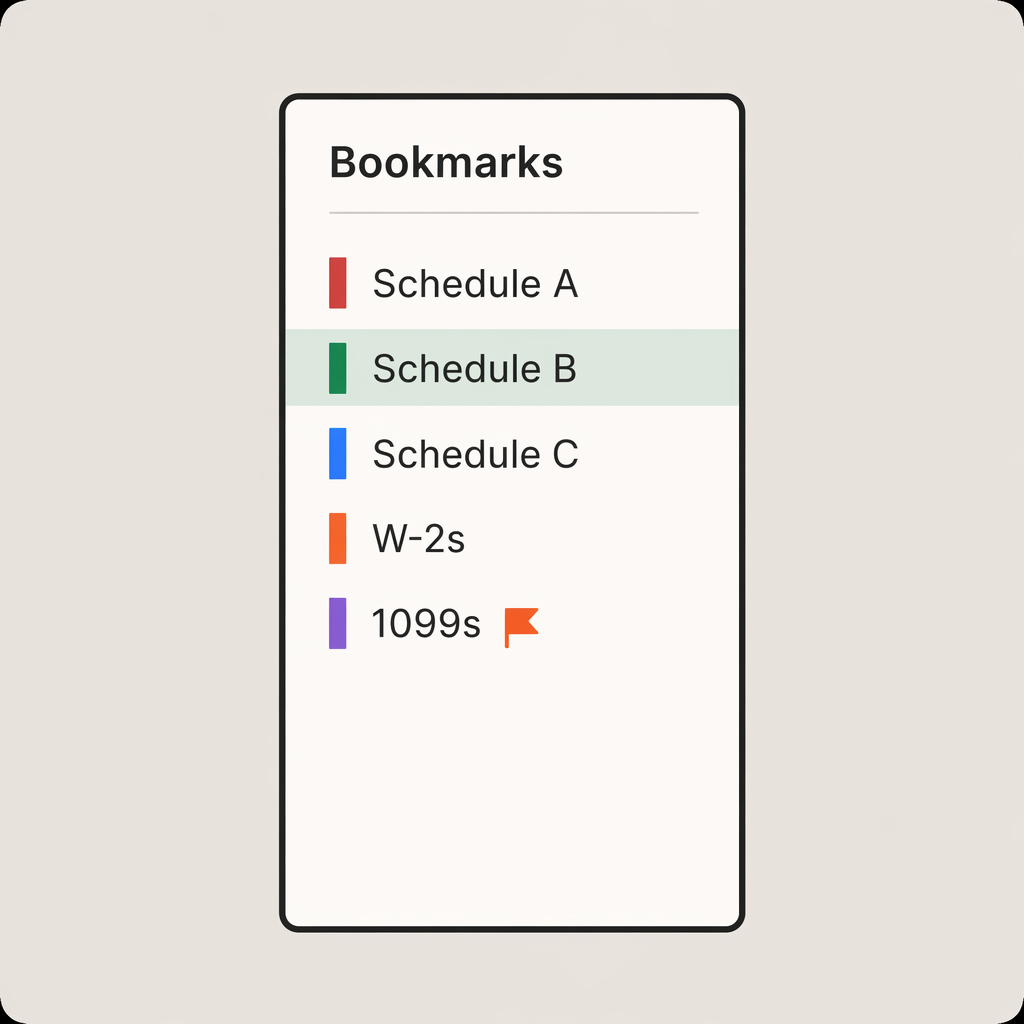
Assembles every uploaded document into one combined workpaper. Reviewers click straight into the 1099-INT instead of scrolling for it. Re-order pages and it rewrites the bookmark destinations to match.
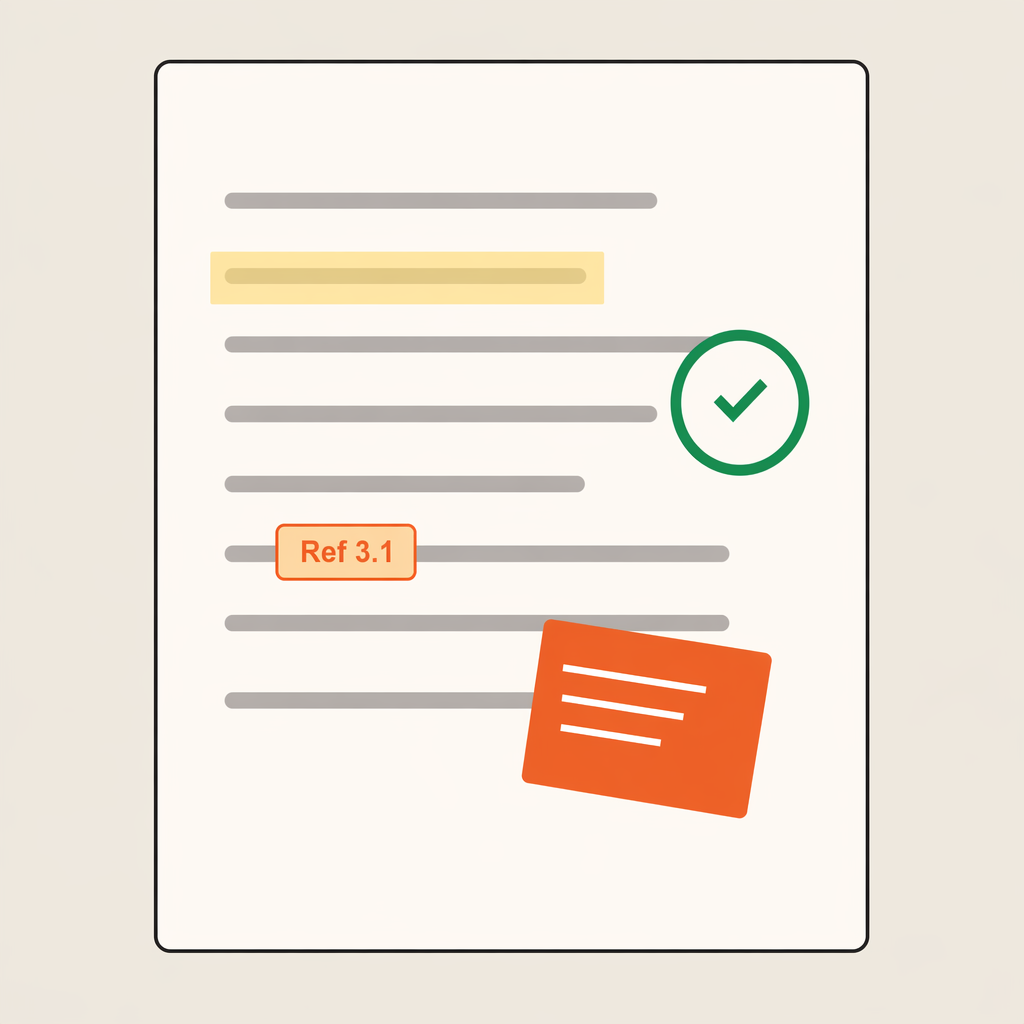
Annotate with customizable tickmarks, free-text, shapes, and comments. Cross-reference a figure on page 42 to supporting worksheets on pages 53, 86, and 113, then click to fly between them instantly. Pop open the built-in 10-key calculator and drop the tape onto the page as a permanent annotation.

Each page carries up to three approver signatures, color-coded per role, stored as annotations directly on the workpaper itself. Filter the outline by Approved, Pending, or Flagged to see exactly what's blocking sign-off.
"Truss has boosted our productivity by automating routine tasks and requests, and the team customizes features to make our processes easier."

Michelle DeFalco, Tax Senior Manager
Robert Lee & Associates, LLP.
Yes. Truss supports multi-level review workflows so preparers, reviewers, and partners can each sign off at their own stage. Review notes and status carry forward automatically, giving your team a clear audit trail from preparation through final approval.
Yes. Truss arranges documents in return order by default, but you can drag and drop sections to match your firm's preferred review sequence. Once set, your custom order applies to future packs automatically.
Yes. All annotations, tick marks, stamps, and notes are embedded in the PDF when you export. The exported file serves as a complete, auditable record of the review process.
See for yourself. Fill out the form below to schedule some time with us.