
Engagement letters, done.
Send clean, personalized agreements in bulk with merged fields.
Book a Demo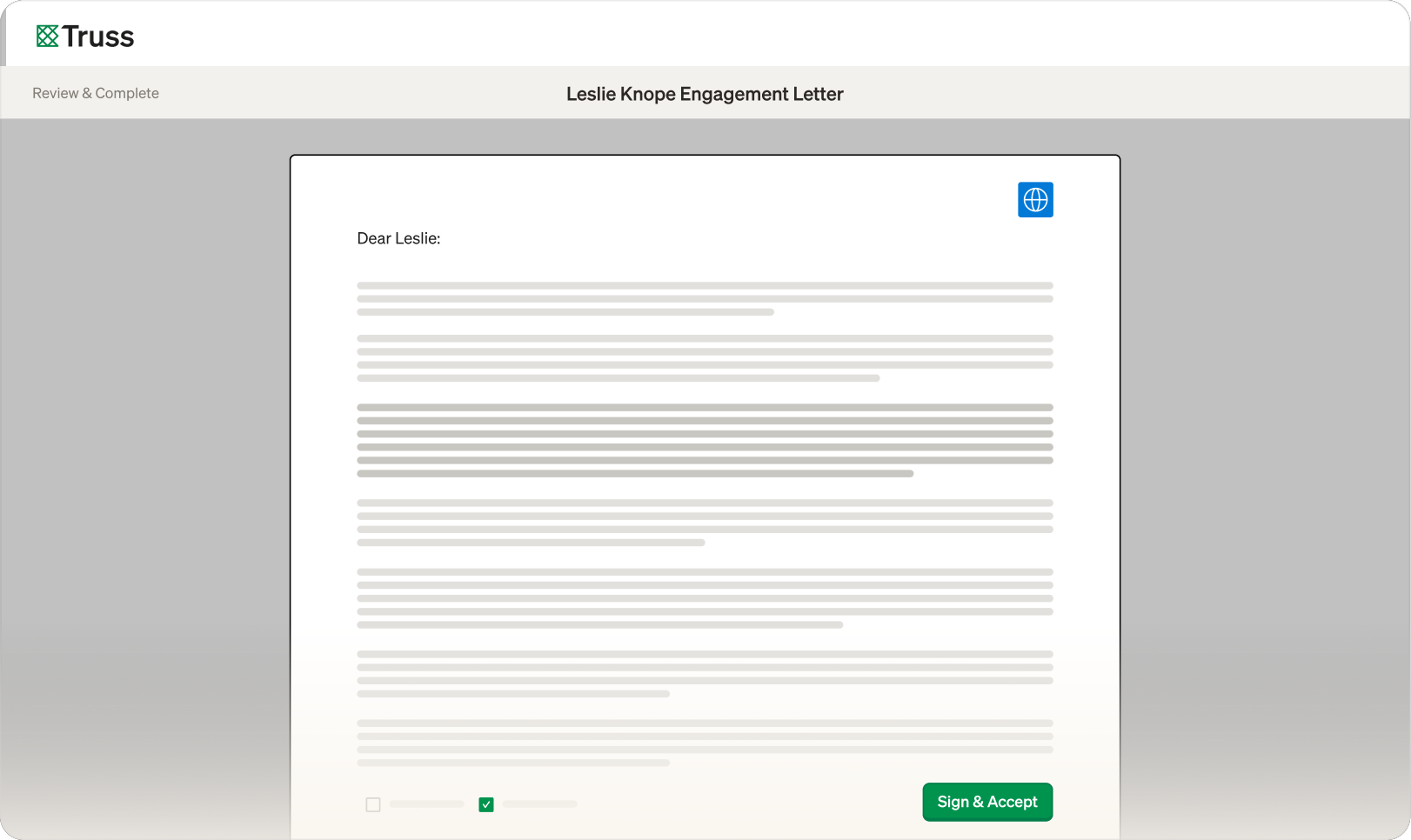
Send clean, personalized agreements in bulk with merged fields.
Book a Demo
Build your templates once, then send personalized agreements to every client in minutes. Merge fields pull in client names, return types, and fees automatically. Your season starts moving.
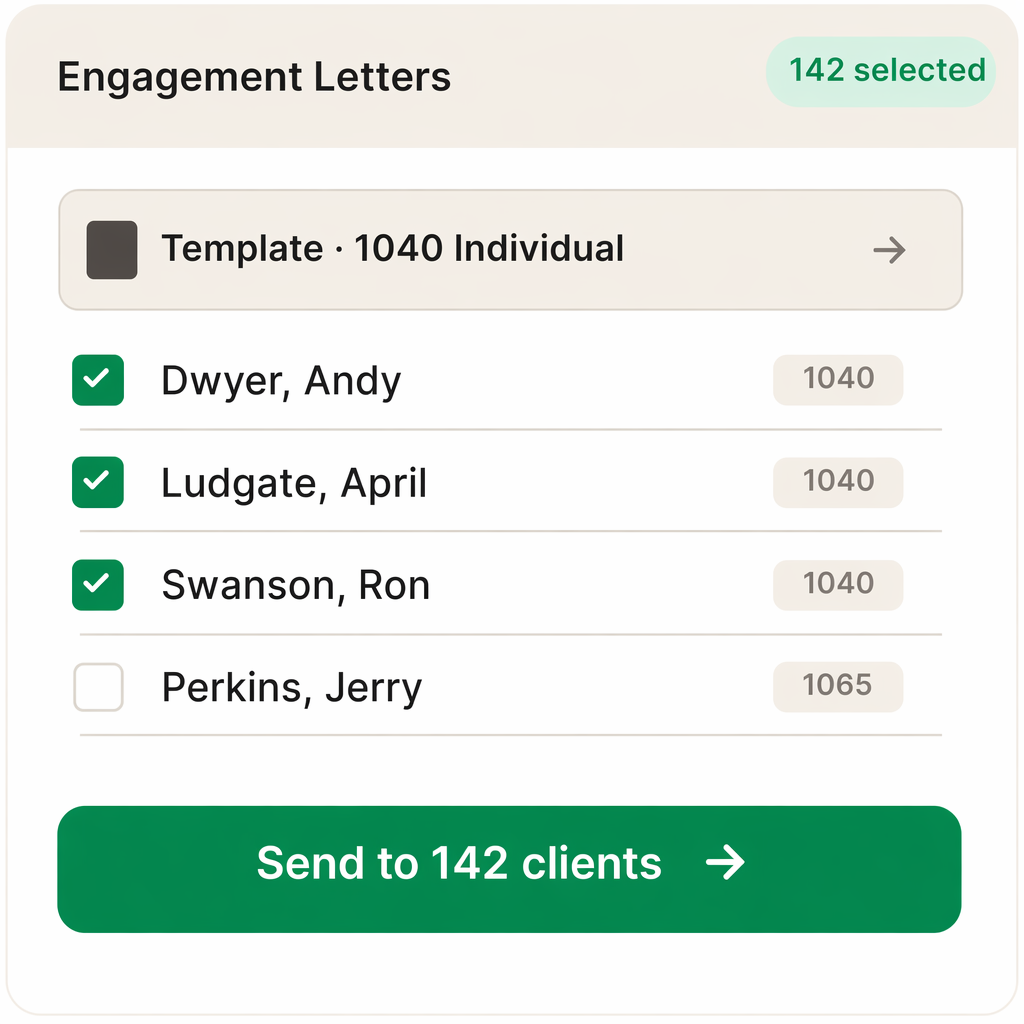
Pick the projects, pick a template, and Truss generates a personalized engagement letter for each one.
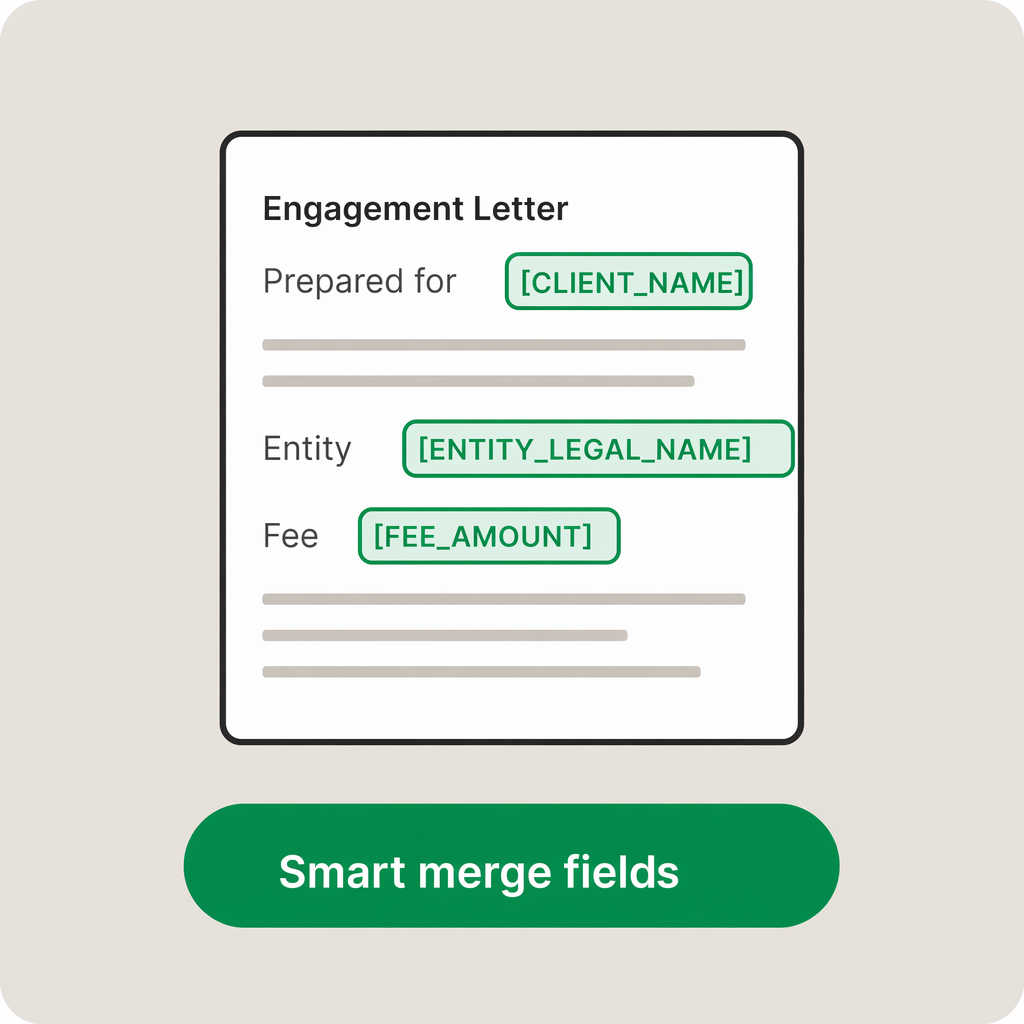
Placeholders like [all_full_names], [first_name], [nickname] and [entity] resolve per project — including joint-filer households where two names need to appear on the same letter. You write the template once and trust it across 1040s, 1120-S's, and 1065s.
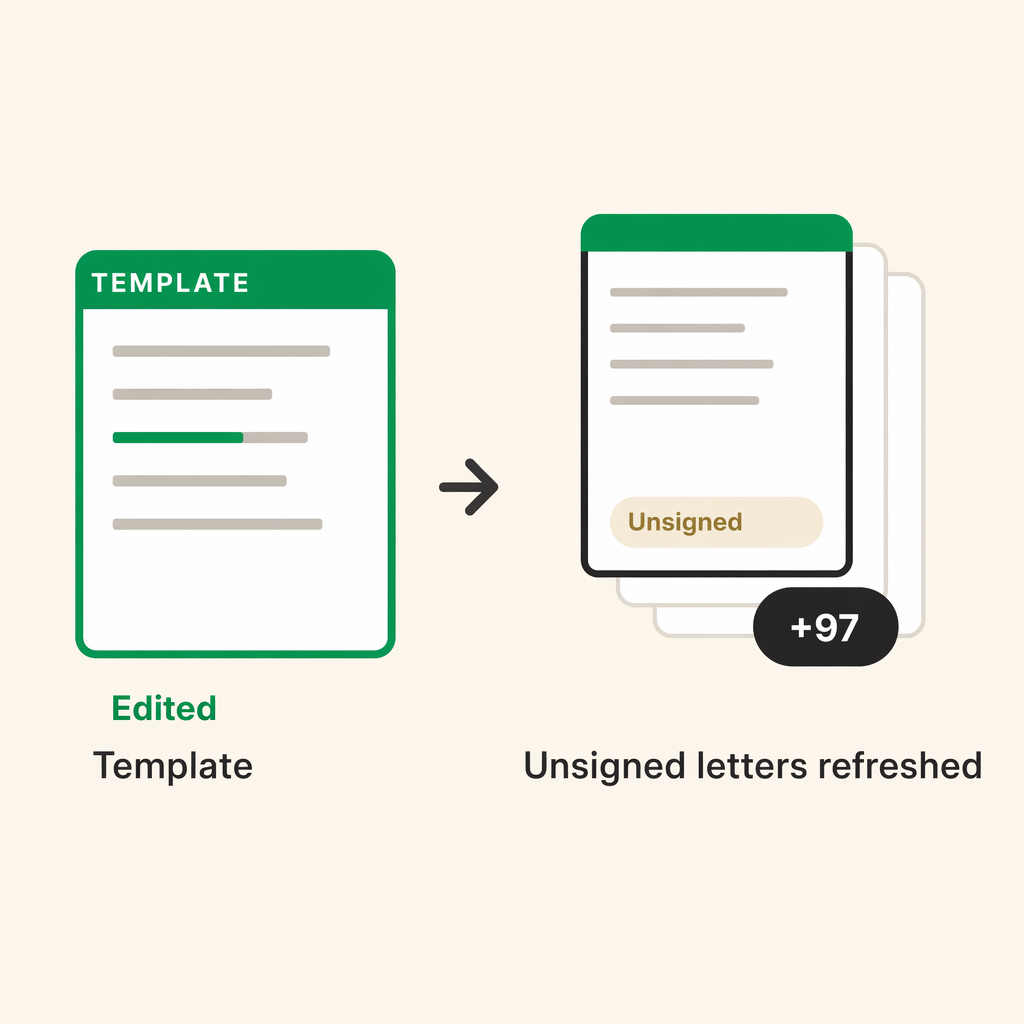
Find a typo at 9pm? Update the template and Truss pushes the new version to every pending letter that hasn't been signed yet. The already-signed ones stay locked exactly as they were sent.
"Significantly reduced back-and-forth emails with clients; they’ve been a lot more responsive."

Cynthia Bagheri, Partner
MASH Accounting & Consulting LLP
Yes. Upload your firm's existing template and add merge fields where you need personalization. Truss works with your language, your terms, and your fee structure. You keep full control over the content.
Common merge fields include client name, entity type, return type, tax year, fee amount, and preparer name. You can customize which fields appear in your template to match your firm's needs.
Yes. Truss e-signatures comply with the ESIGN Act and UETA. Every signature includes a timestamp, IP address, and audit trail so you have a verifiable record of the agreement.
See for yourself. Fill out the form below to schedule some time with us.