
Share without logins.
Send expiring magic links instead of email attachments. Keep access simple for clients and private for you.
Book a Demo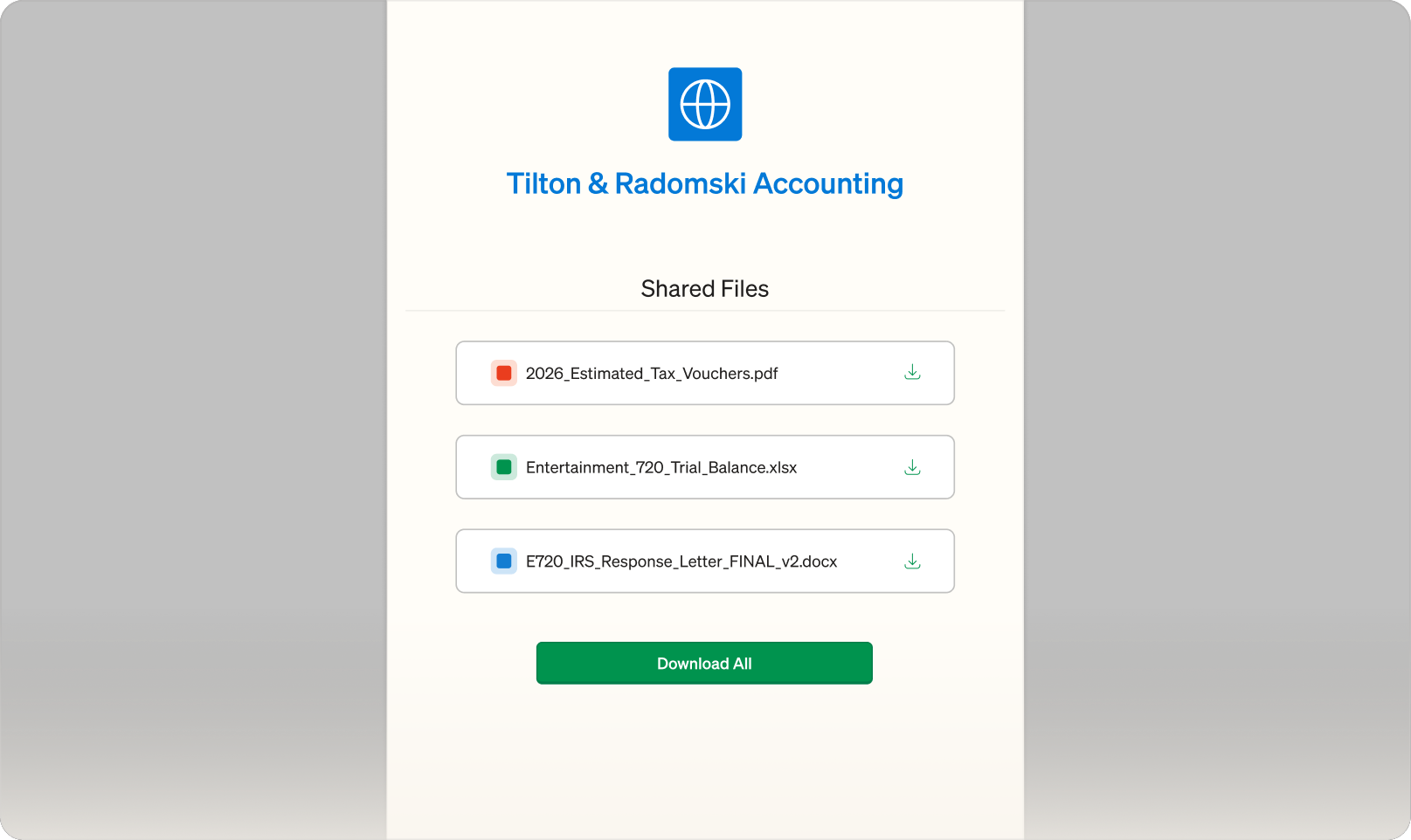
Send expiring magic links instead of email attachments. Keep access simple for clients and private for you.
Book a Demo
No portals to remember. No passwords to reset. Clients click a secure, time-limited link and go straight to their documents. When the link expires, access ends automatically.
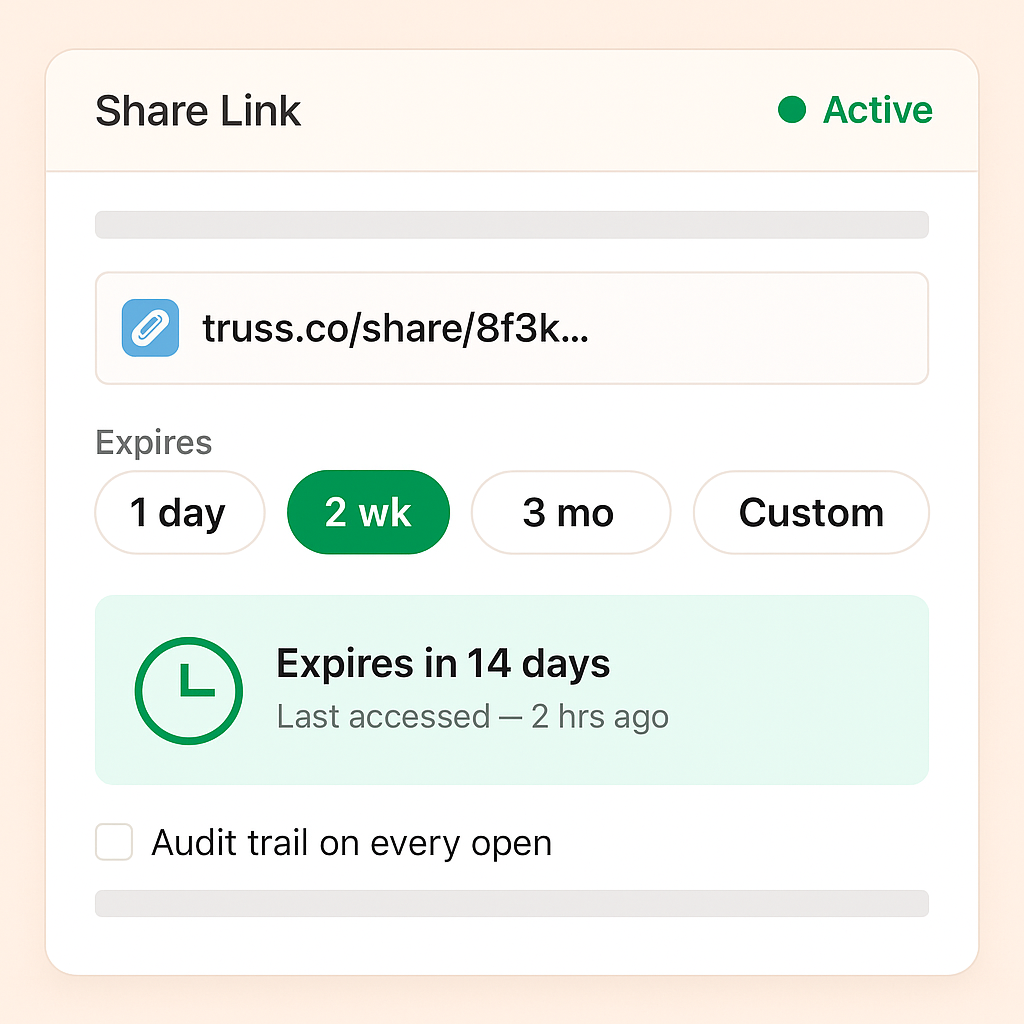
Pick 1 day, 2 weeks, 3 months, or anything in between — the default is two weeks, K-1s get three. Every share has a last_accessed_at so you know whether the client ever actually opened it.
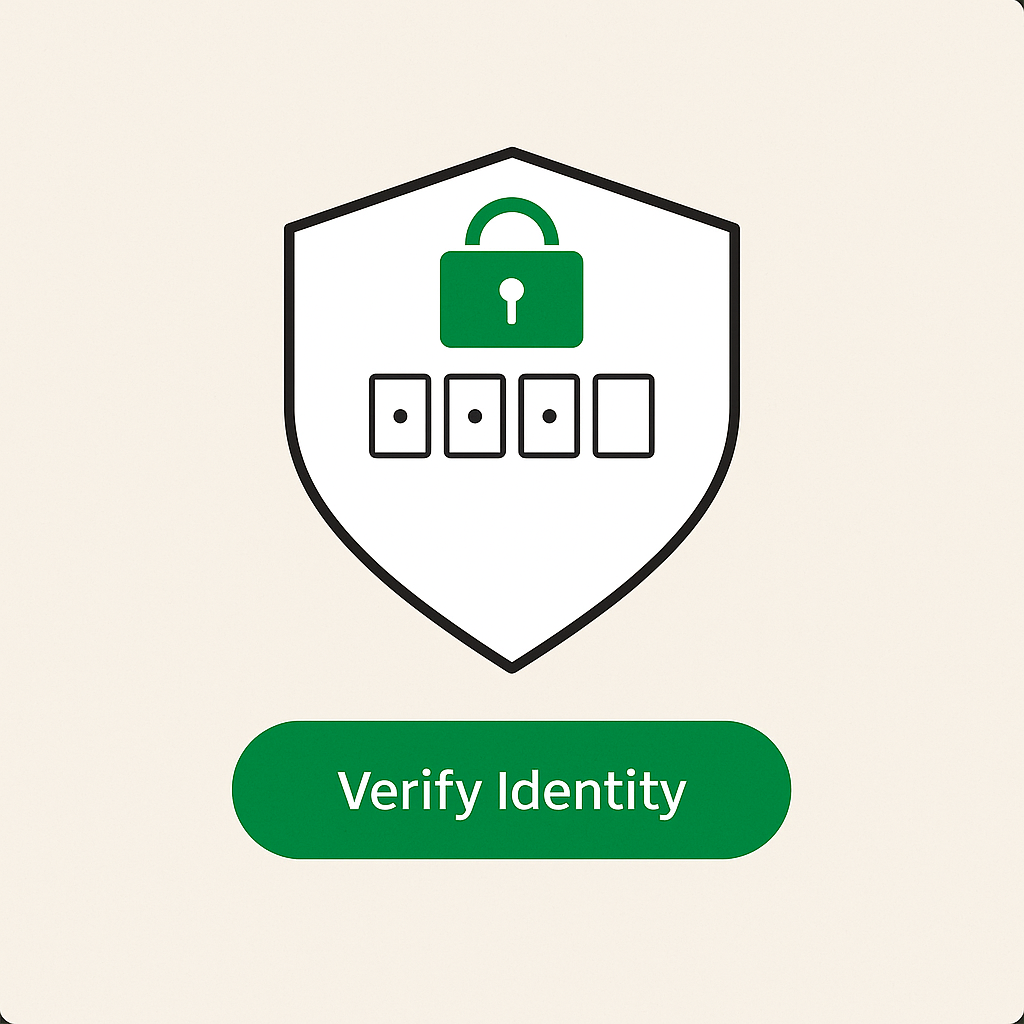
Require MFA over email or SMS, or ask for the last four of the SSN or EIN you already have on file — no extra setup per client. Ten failed attempts and the link locks automatically.
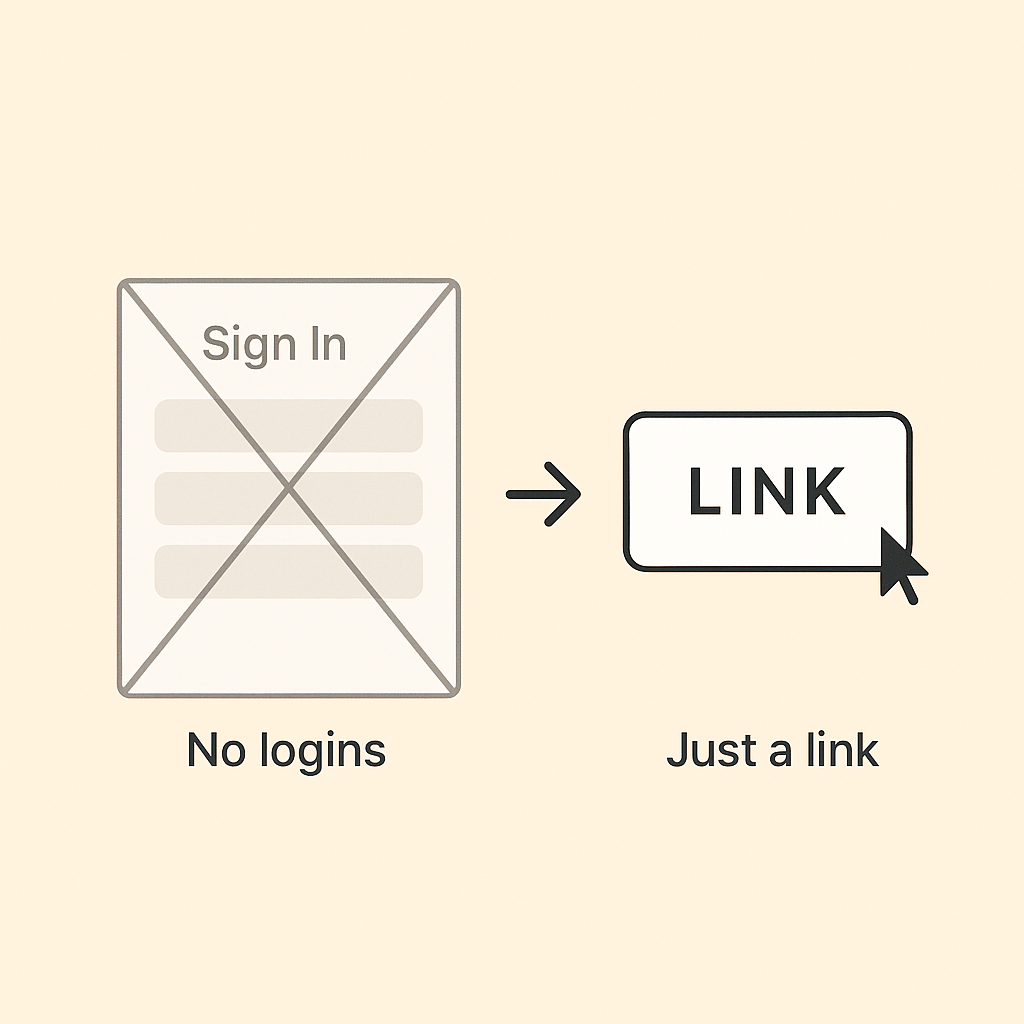
Clients click the link, clear the challenge, and download — there's no username to create, no password to reset. For firms that need stricter defaults, turn on force-MFA at the firm level and every outbound share inherits it.
"Truss has been easy to use and well received by clients. It is easy to access and its AI features make certain aspects easier on us and the client."

Austin Murray, CPA and Founder
Millennial Accounting
Magic links are single-use, time-limited, and tied to a specific recipient. Unlike passwords, they cannot be guessed, reused, or shared. Combined with AES-256 encryption and full audit logging, they provide strong security with far less client friction.
Yes. You set the expiration window for your firm. Once a link expires, the client can no longer access the shared documents through that link. You can always resend a new link if needed.
No. Magic links open in any modern web browser. Clients do not need to download software, create an account, or remember credentials. They simply click the link and access their documents.
See for yourself. Fill out the form below to schedule some time with us.