
Meet Max.
Your AI tax research assistant. Ask questions, analyze returns, search documents, and draft client emails — all without leaving Truss.
Book a Demo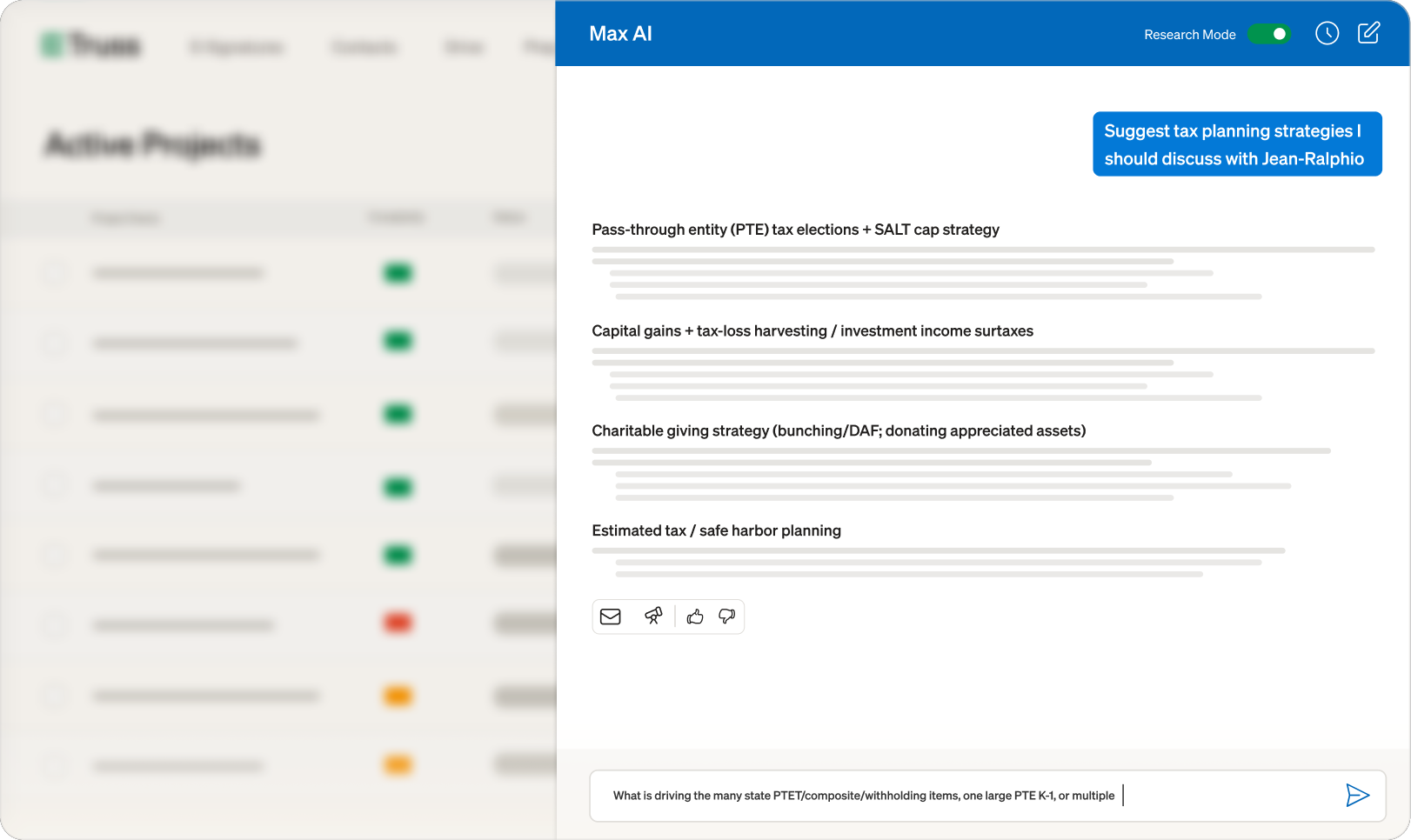
Your AI tax research assistant. Ask questions, analyze returns, search documents, and draft client emails — all without leaving Truss.
Book a Demo
Max lives in a side panel accessible from any screen. It reads your client's documents, tax returns, and emails to answer questions with full context. Toggle Research Mode for deep analysis with web search.
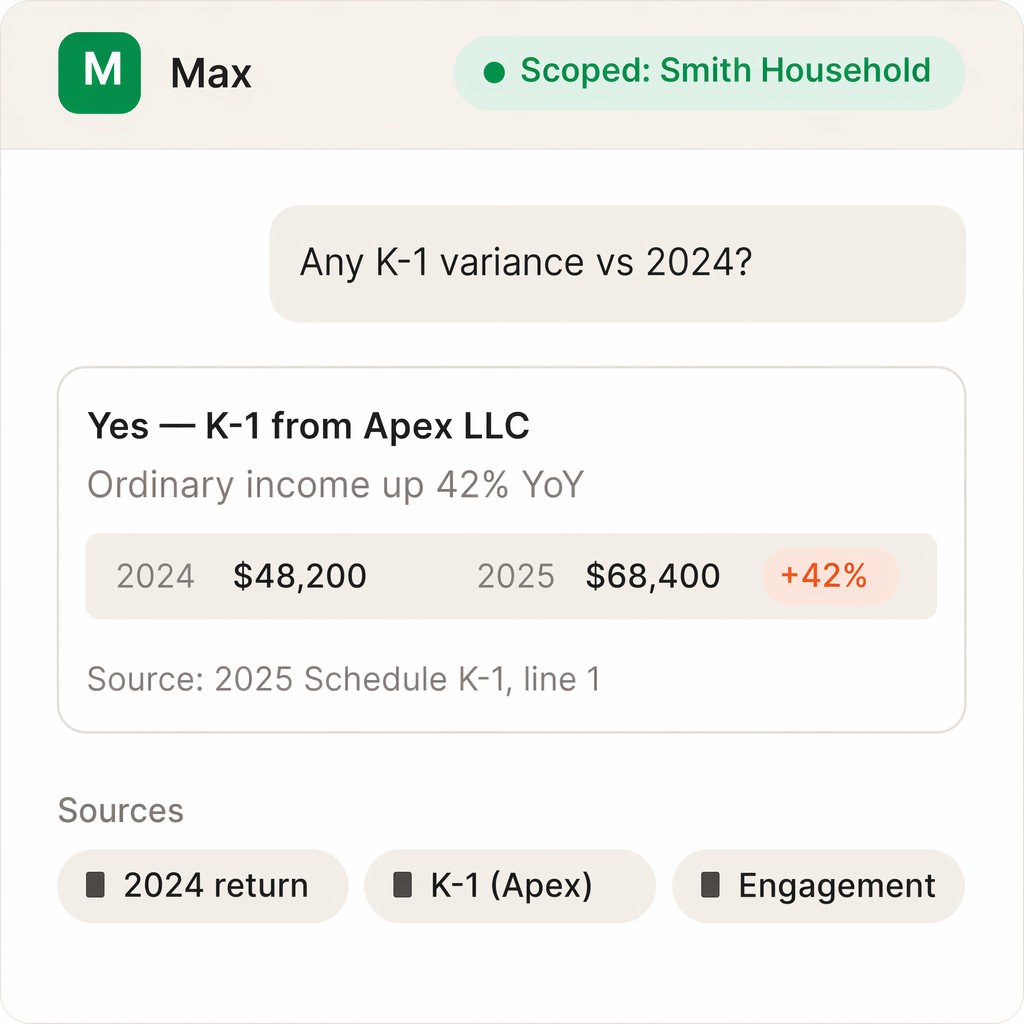
It's automatically scoped to only the relevant client or entity; pulling from the tasks, files, and documents already attached. No re-uploading returns, no pasting context, no cross-contamination between clients. Every conversation saves as a searchable thread tied to the client.
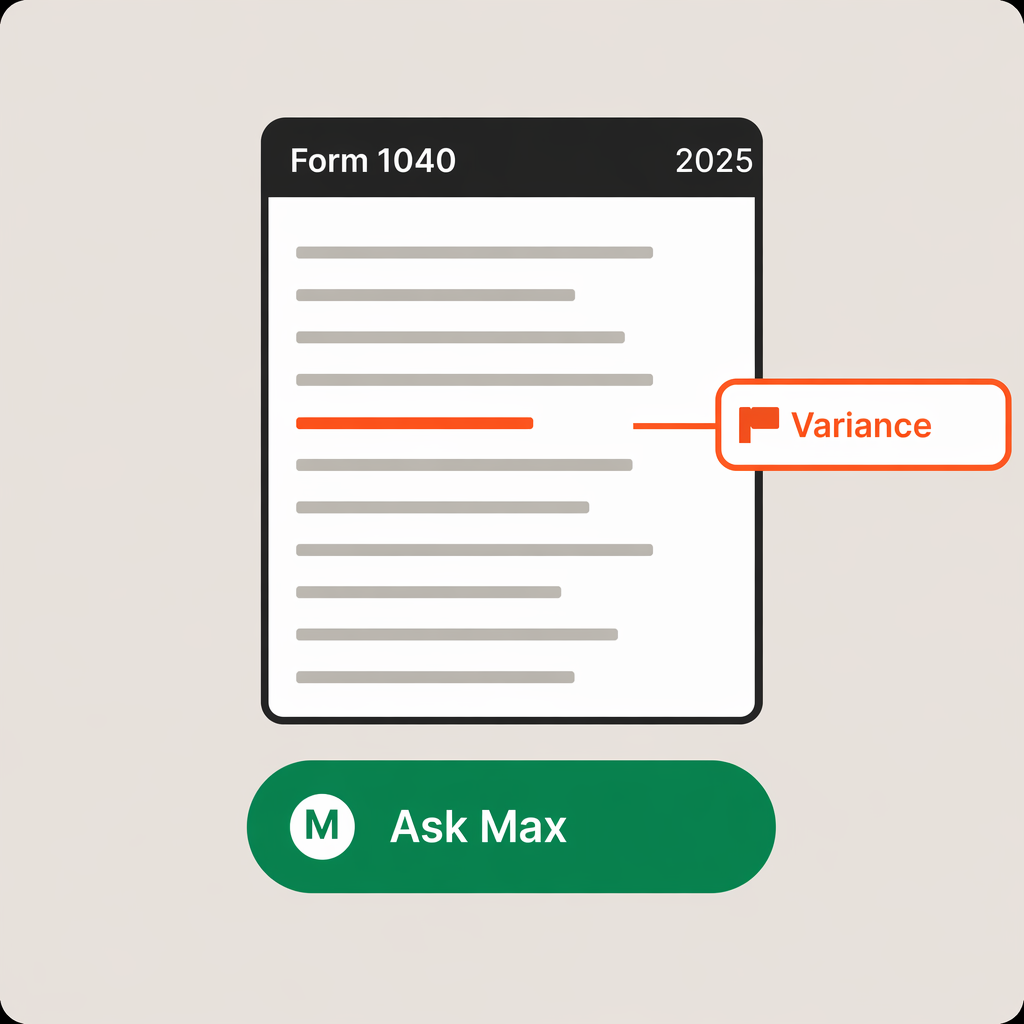
Ask Max to flag unusual items and year-over-year changes on a return, suggest planning strategies, or answer a tax-law question with vetted sources and its reasoning shown. One click turns any response into a ready-to-edit email draft, opened right inside the project.
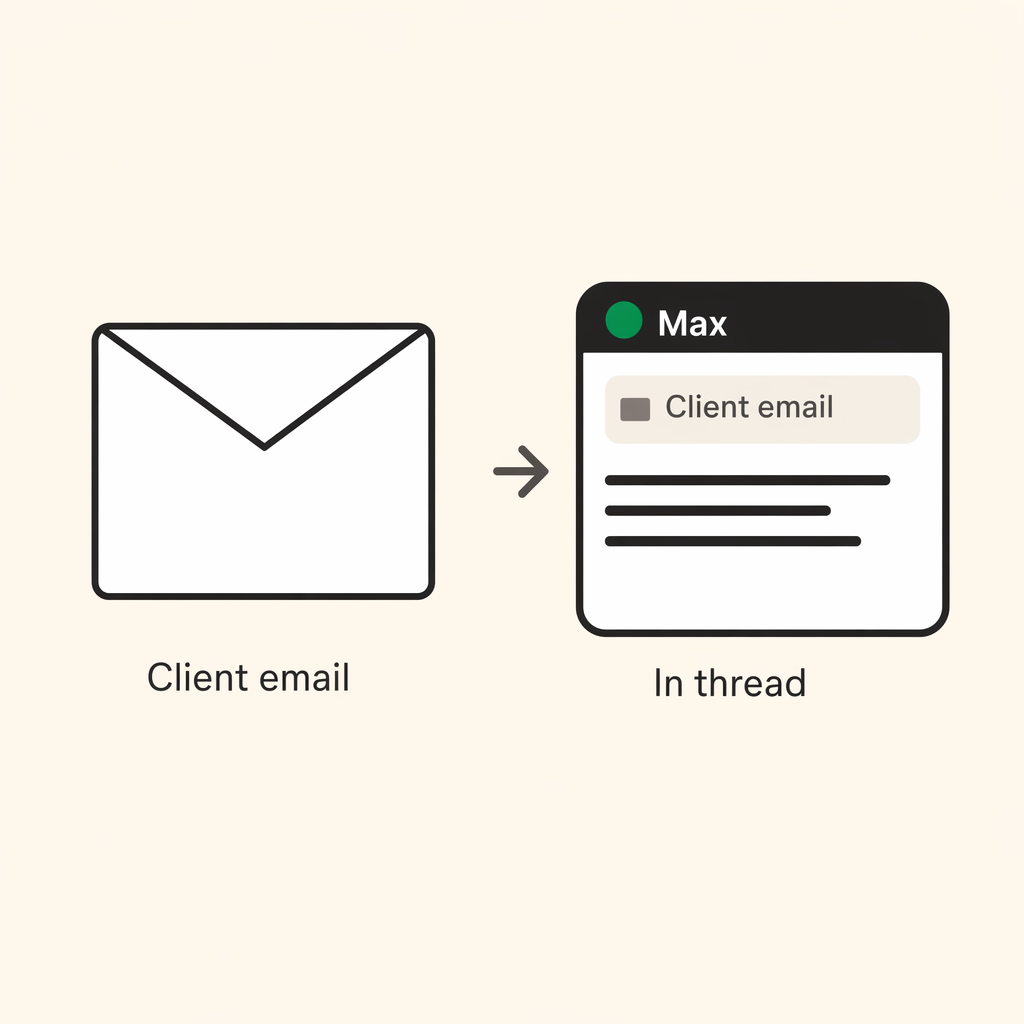
With the Gmail or Outlook integration turned on, Max searches the most recent emails from the client you're working on and pulls in the relevant context; citing the email subject so you can see where an answer came from.
"Truss has been easy to use and well received by clients. It is easy to access and its AI features make certain aspects easier on us and the client."

Austin Murray, CPA and Founder
Millennial Accounting
Tax research questions, return analysis, document lookups, client email searches, planning strategies, and email drafting. Max has access to your project files, tax returns, and connected email so it can answer with full context.
Research Mode enables deeper analysis with web search. Toggle it on when you need Max to look up current tax rules, IRS guidance, or case law. Standard mode is faster and best for quick document lookups and routine questions.
Yes. Max only accesses data within your firm's account. All conversations are isolated per user and per firm. Client data is encrypted at rest and in transit and is never used to train AI models.
See for yourself. Fill out the form below to schedule some time with us.