Scan it. Done.
The fastest way to get documents into a project. Once you start using it, you won't go back.
Book a Demo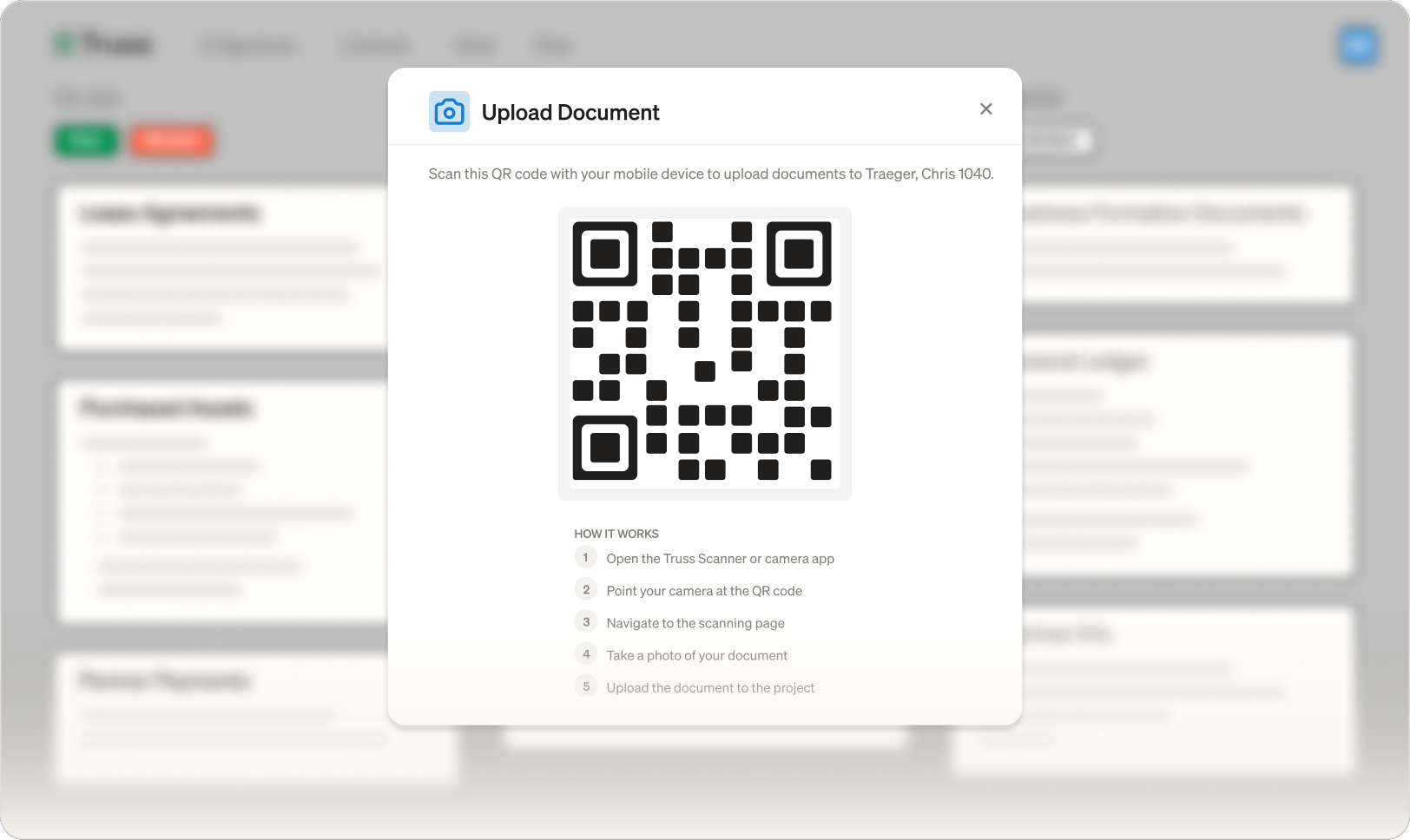
The fastest way to get documents into a project. Once you start using it, you won't go back.
Book a Demo
Scan a QR code, point your camera, and the document lands in the right project. No file naming, no folder hunting, no uploading later. The Truss mobile app does one thing and does it incredibly well.
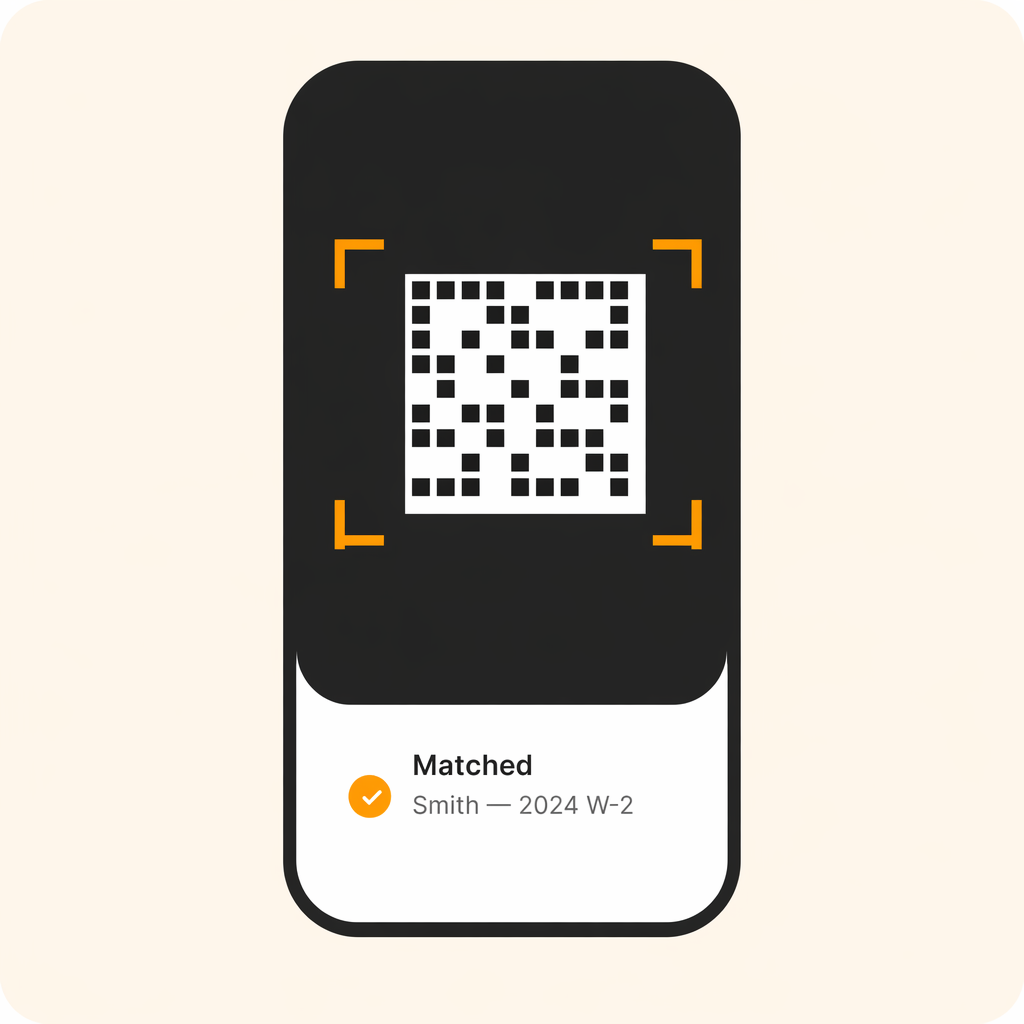
No signing-in or extra work to add paper docs. Just take a picture of the QR Code, scan the paper docs, and we'll handle the task matching and the file renaming.
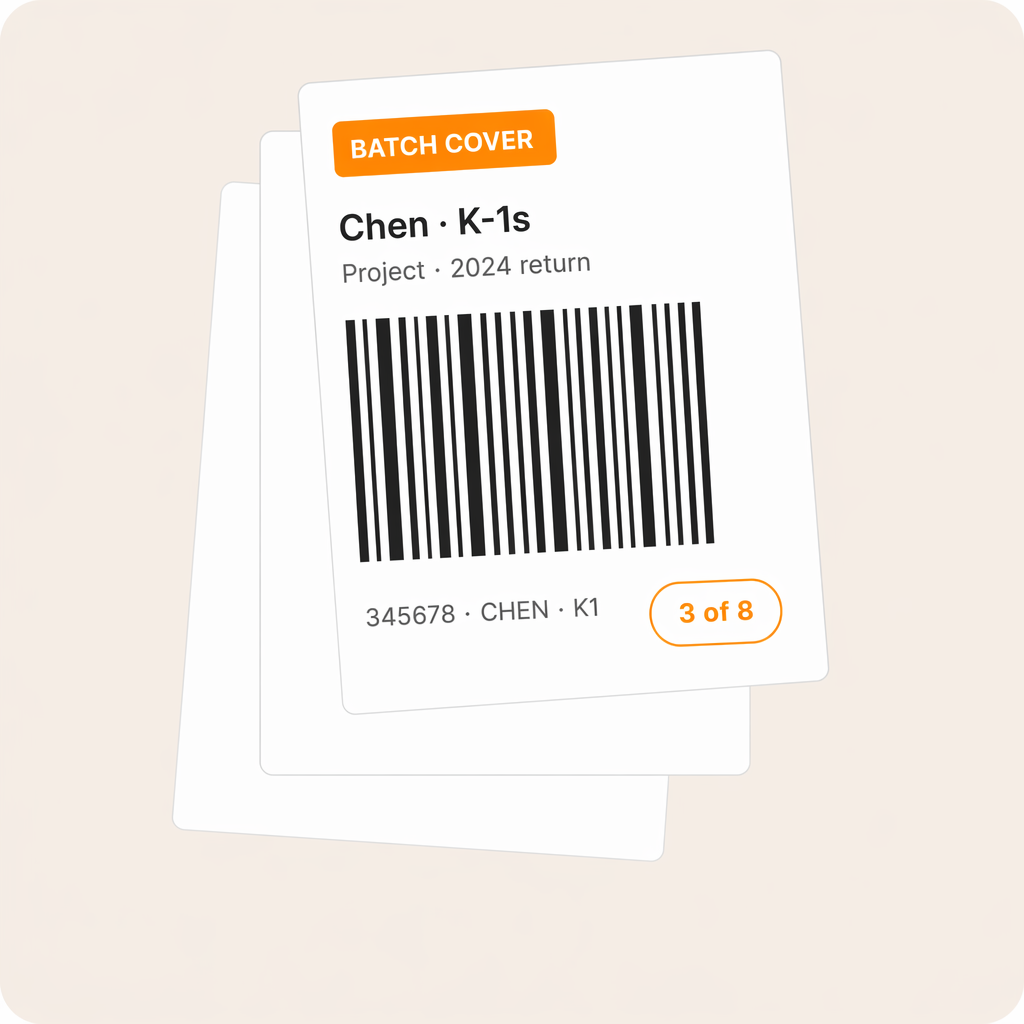
Generate a bulk-scan cover-sheet PDF for any project and Truss prints a separator page for every task plus a barcoded client ID. Run the whole packet through your desk scanner and Truss splits pages onto the right tasks on the way in.
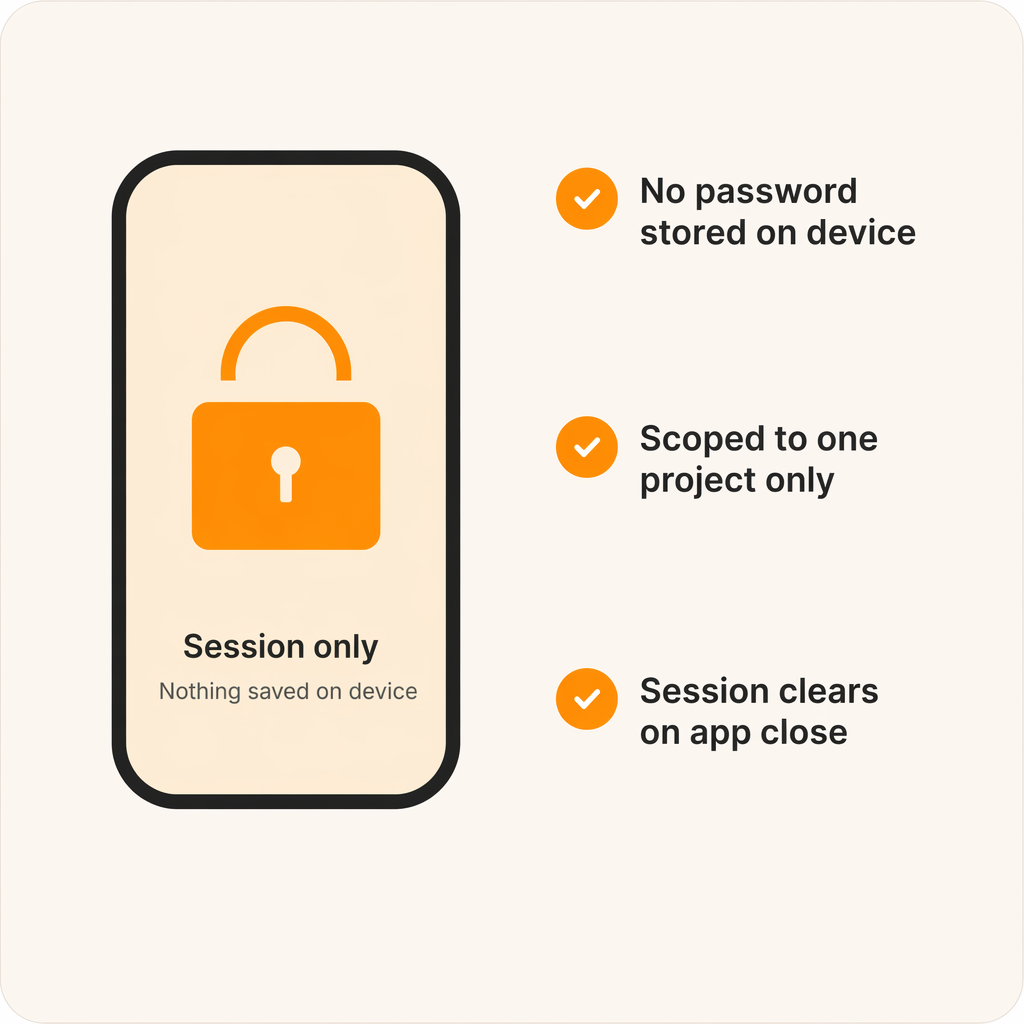
Staff never touch firm credentials to send documents from a phone, and nothing is saved to their device.
"Truss has been easy to use and well received by clients. It is easy to access and its AI features make certain aspects easier on us and the client."

Austin Murray, CPA and Founder
Millennial Accounting
Yes. The Truss mobile app is available on both iOS and Android. Download it from the App Store or Google Play and sign in with your existing Truss credentials.
Every project in Truss displays a QR code you can pull up from the desktop app. Many firms print the code on the client's folder so anyone on the team can scan documents to the right project instantly.
The mobile app is purpose-built for scanning. It does one thing and does it exceptionally well. For everything else — review, delivery, e-signatures — use Truss on desktop or in your browser.
See for yourself. Fill out the form below to schedule some time with us.